Deploying a React App to Heroku
Deploying a React App to Heroku
This post was written back in the days where Heroku provided free hosting; do not expect any example projects or links to Heroku to work.
This guide is step #2, written to assist my group in getting our team’s full stack app deployed. This post will focus on the React frontend; to get a Node backend deployed to Heroku first, please follow part 1, and to tie it all together check out part 3 .
Issues causing deployment failures
- Just like with the backend, having our files inside a subfolder was causing issues. There may have been some other work around but once I again I moved the files to the floor of the project folder, so that the package.json was next to the .git repo. I attempted to use the same command as before and it didn’t work, so ended up using the following separate commands to move all visible files and all hidden dot files respectively:
# extract regular files and folders from inner folder
mv gigboard/gigboard-client/* gigboard/
# extract hidden files (those starting with dots) from the inner folder
mv gigboard/gigboard-client/.* gigboard/- Also like the backend issues, we needed to replace the hard-coded API address with one that could work both in development on our local machines and in production after being deployed to Heroku. Using process.env is a great way to do this, as it allows your code to determine the current environment. Heroku automatically will set
process.env.NODE_ENVset to the string “production” in the deployed production app. To setup the alternate local development URL, you once again create a .env file, add the following line, and save:
# inside your local .env file, which is gitignored
NODE_ENV='development'
Then in app.js or wherever we will be making API calls using fetch or axios, we can set this API_URL dynamically based on where the code is running.
let API_URL;
if (process.env.NODE_ENV === 'development') {
  API_URL = 'http://localhost:5000';
} else if (process.env.NODE_ENV === 'production') {
  API_URL = 'https://{{{YOUR-BACKEND}}}.herokuapp.com';
}
I used port 5000 because that seemed to be where heroku local web was serving the backend; if you’ll be using nodemon you’ll want to use whatever you’ve coded into your local backend development server. I found this 5000 vs 3001 issue because I was getting a net::ERR_CONNECTION_REFUSED error in the dev tools.
-
I needed to delete the yarn lock file; not sure why that was there but Heroku didn’t like having it and a package lock file at the same time.
-
I spent a lot of time researching getting two distinct .git repos to both push to a single Heroku app. I couldn’t remember if we were wanting this for sure, and the link he provided didn’t work as it was using
heroku createwhich attempts to create a new app. I ended up giving up on trying for a single deployed app, and decided for sake of finally sleeping to just deploy this front end to a 2nd, separate Heroku app. The following process is almost the same as my first post on deploying backend .
To deploy the React frontend to a 2nd Heroku app
first in browser
- visit heroku.com/apps and login if needed
- click dropdown “new” and then “create new app”
- choose an available name that no one else on heroku has used; i used “gig-board” and then click “create app”
- click “deploy” option in the nav bar
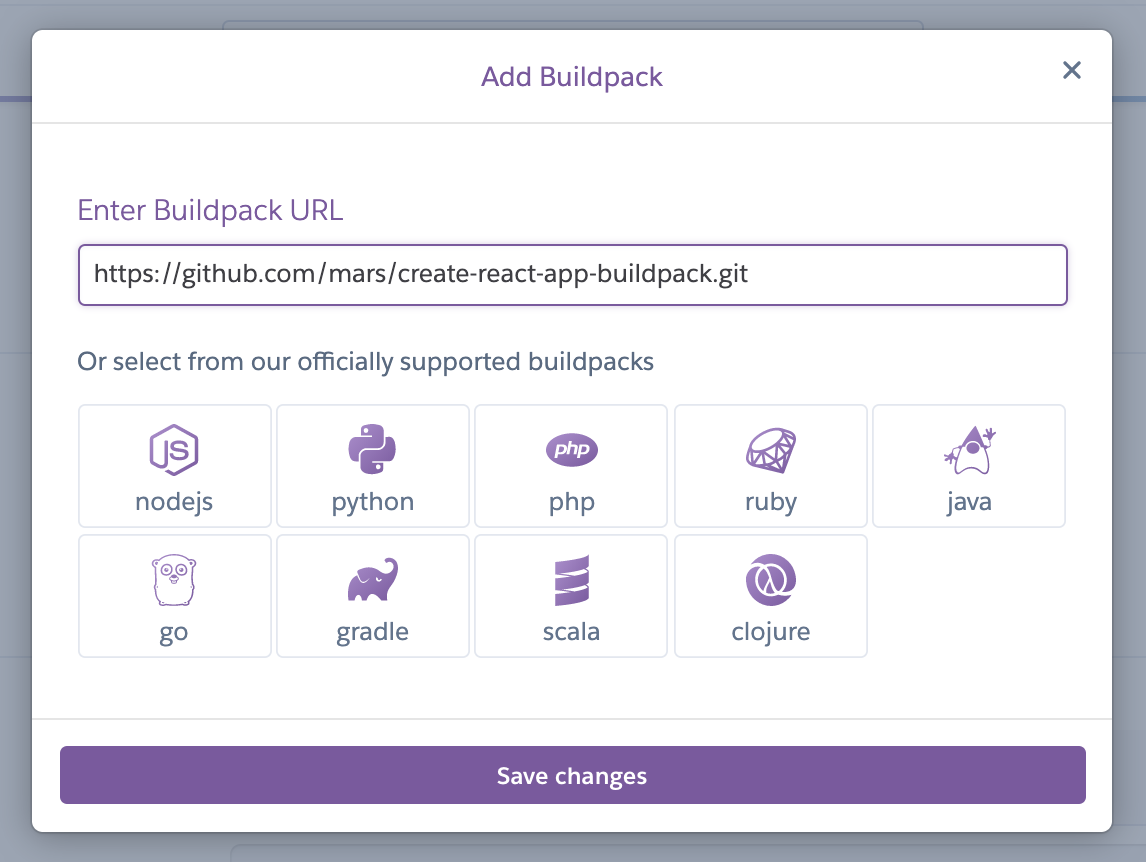
- click “settings” in the nav bar, scroll down to the “Buildpacks” section and click the button on the right “Add buildpack”
- a modal will pop up, and you’ll want to paste
https://github.com/mars/create-react-app-buildpack.gitinto the input and click “save changes”
then in your command line
-
navigate to your frontend folder, and make sure you’re on your main branch.
-
git pull -
npm ito make sure all your node modules are installed -
make sure you can run the React app locally by running
npm startand watching localhost:5000 in your browser. -
heroku loginback in your command line, press any button, log in with the browser that pops up, then close that browser window -
you can also do a local test run with
heroku local webif you’d like; make sure you kill anything running on port 5000 first. -
heroku git:remote -a YOUR-FRONTED-HEROKU-APP-NAMEand replaceYOUR-FRONTED-HEROKU-APP-NAMEwith whatever the exact name of this new, front-end Heroku app is that you just made. For instance, mineiswas deployed to gig-board.herokuapp.com so I will use gig-board. -
git add . -
git commit -am "make it work for frontend too, please" -
git push heroku main -
cross your toes and your eyes and wait until you hopefully see
remote: Verifying deploy... done. This took significantly longer than the backend to deploy for me. -
type
heroku openand view your majestic nav bar.